FrostFork on the web
Use the complete responsive app in your browser on a phone, tablet, or computer.
Open web appFrostFork gives you clear food-freezing guidance and a beautifully simple freezer tracker—without making your grocery list someone else’s data.
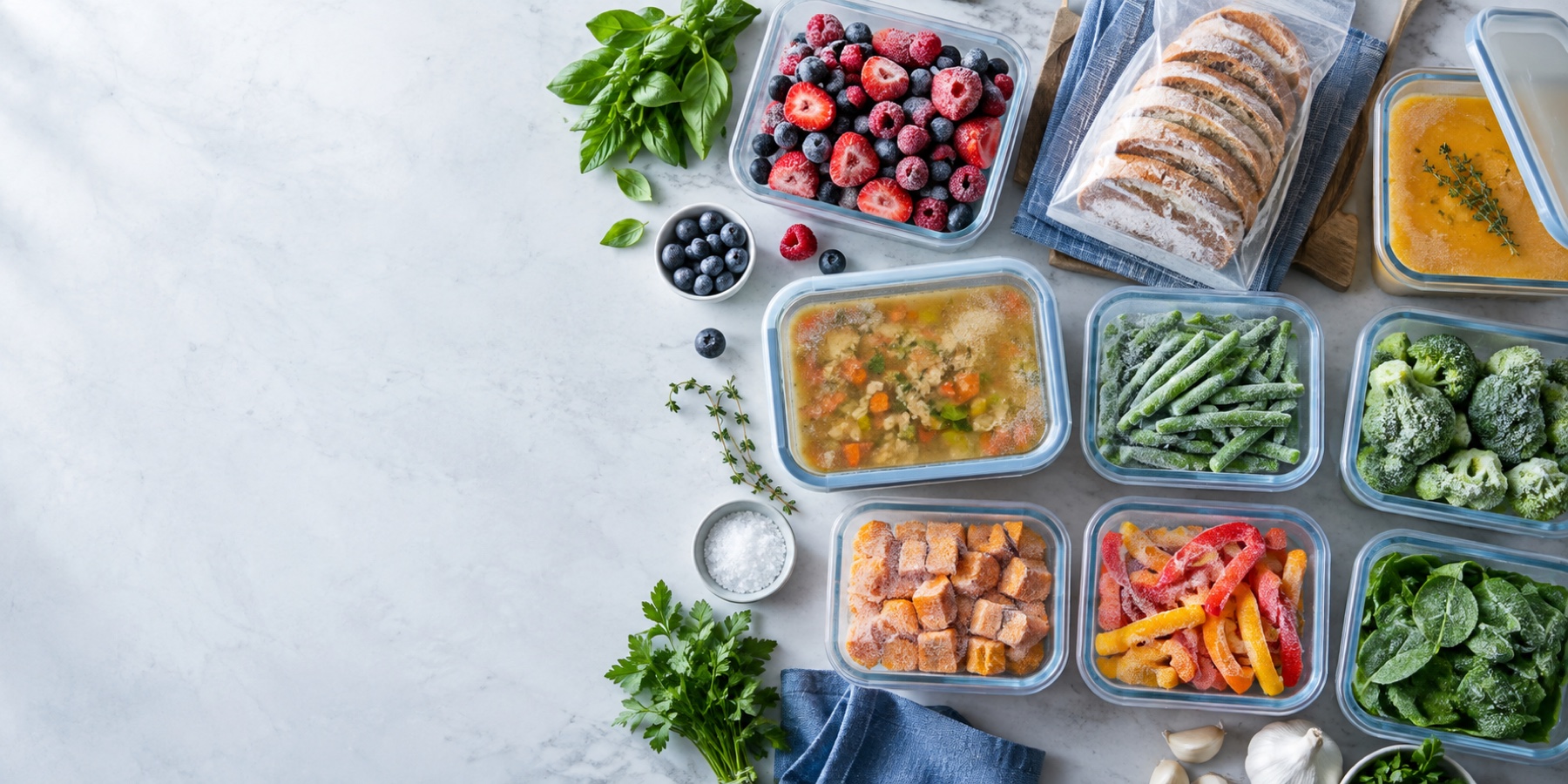
Use FrostFork on the web today. The iOS and Android downloads will unlock here as soon as each mobile app goes live.
Use the complete responsive app in your browser on a phone, tablet, or computer.
Open web appGet the complete native FrostFork experience for iPhone and iPad when the app goes live.
Get the complete native FrostFork experience for Android when the app goes live.
Want early access? Request the Android beta →Try bread, avocado, milk, rice, eggs, cheese, soup, or berries.
This preview offers a few examples. Read the food-freezing guide or open the app for all 417 searchable entries.
Yes—freeze it sliced for easy portions.
FrostFork keeps the whole flow short enough to use while you are actually cooking.
Find a clear yes, no, or “best with preparation” answer and practical quality guidance.
Follow concise preparation, packaging, thawing, and best-quality tips.
Add it to My Freezer and keep an at-a-glance view of what to use next.
Find practical freezing and thawing guidance without digging through an essay.
Your freezer records stay in a durable database on your device by default.
A native-feeling experience on iPhone and Android, plus a responsive web app.
See when an item was frozen and its estimated best-quality date.
Automatic device-language detection with a manual language choice in Settings.
Supports larger text, dark mode, high contrast, reduced motion, and screen readers.
FrostFork stores your freezer list on your device by default. Temporary cache is kept separate and can be cleared without touching your records.
Read the Privacy Policy →No. FrostFork offers general educational and best-quality guidance. Storage conditions vary; follow government food-safety guidance and discard food that may be unsafe.
On your device by default. Clearing site data, clearing app data, or uninstalling before a future cloud backup is enabled can remove it.
Yes. The app is designed for large text, VoiceOver and screen readers, Voice Control, dark mode, increased contrast, non-color indicators, and reduced motion.
The free mobile app can display advertising after the applicable consent and privacy choices. Web advertising may be added later; this website will update its privacy and cookie information before that happens.
Version 1.0.1 Build 1
Questions, feedback, or something not working as expected? Tell us what happened and include your device and app version when possible.
Open FrostFork in your browser and start with the food in front of you.
Open the web app